Recording a lecture today is not just about clicking “record” and hoping for the best. If you teach online, the way your lecture is recorded really matters because it affects how professional you look, how long students stay engaged, how valuable your course feels, and how easily you can grow and reuse your content later. The best way to record a lecture isn’t about buying the most expensive camera or microphone; it’s about having a simple, organized system that works smoothly every time.
Benefits of Recording Your Lectures in Online Courses:
- Watch Again Anytime: Students can replay lessons to fully understand what you taught.
- Make Confusing Parts Clear: Hard topics can be revisited, so no one gets lost.
- Save Time for You: You can reuse the same lecture for different classes instead of repeating yourself.
- Keep It Consistent: Every student gets the same clear and professional lesson.
- Learn at Their Own Pace: Students can study when it works best for them.
- Create a Long-Lasting Resource: Recorded lectures stay available to help students learn and review anytime.
Essential Tools for a Professional Recording:
You don’t need a fancy studio to make your lectures look and sound professional. Focus on a few key tools that really matter:
- Good Audio: A decent USB microphone is more important than a high-end camera — clear sound makes a huge difference.
- Proper Lighting: Simple lighting, even natural light, can make your video look clean and easy to watch.
- Stable Internet: A reliable connection ensures smooth recording and avoids interruptions.
- Quiet Background: Minimize noise and distractions so students can focus on your lesson.
Using these essentials keeps your recording professional without overcomplicating or overspending.
Planning Your Lecture:
- Set Clear Goals: Define what students should learn and the main points to cover.
- Prepare Materials: Arrange slides, videos, and examples in a clear order.
- Organize Recording Setup: Use a good mic, proper lighting, stable internet, and a quiet space.
- Deliver Clearly: Speak slowly, use simple sentences, pause on key points, and vary your tone.
- Record Automatically: Use tools like Storky Bot Recorder to capture and upload lectures without extra work.
- Share & Review: Post recordings promptly and track student engagement to improve future sessions.
Tips for Engaging and Clear Delivery:

To keep your recorded lectures interesting and easy to follow, focus on how you speak and present your content. Speak clearly and a bit slower than usual, and use short, simple sentences that are easy to understand. Pause after key points so students can absorb the information, and ask simple questions to keep them thinking. Vary your tone and energy to avoid sounding flat, and try to make examples relatable and practical.
A clear and engaging delivery helps students stay focused, improves comprehension, and makes your course feel professional , even when they’re watching it on their own time.
Best Platform to Simplify Lecture Recording:
The best way to record a lecture isn’t about better cameras.
It’s about using a platform that:
- Records automatically
- Uploads instantly
- Organizes sessions clearly
- Protects your content
- Requires zero technical effort
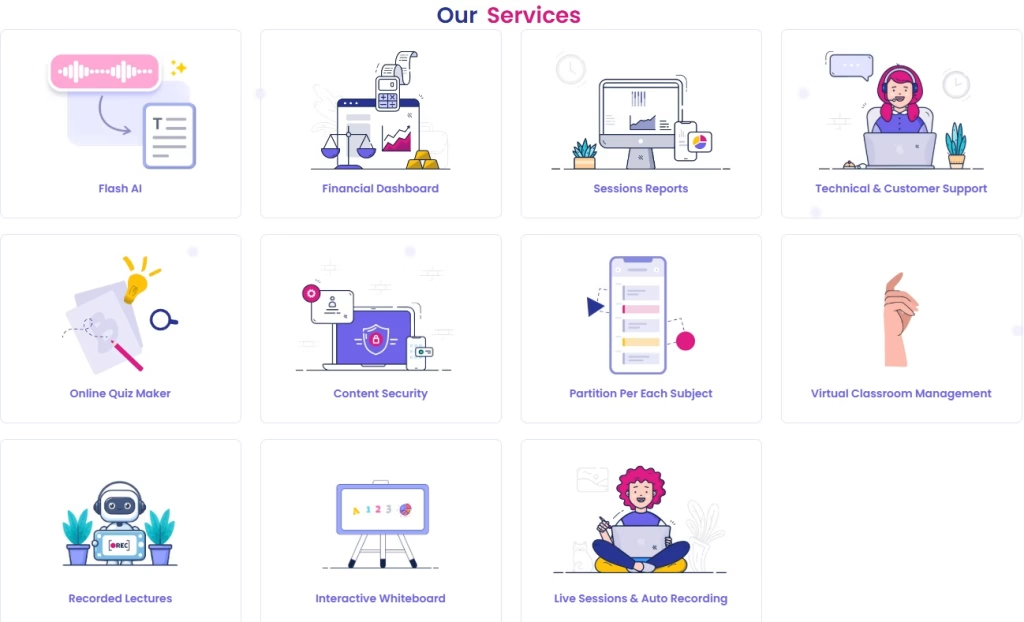
StorkyApp simplifies the entire process through automated recording and seamless publishing.
No complicated setup, No technical headache. Just professional results.